How to Update Your Membership Level
Want to change your monthly contribution? Here’s how.
Step 1: Find Your Confirmation Email
Each month, you receive an email from Brooklyn Zen Center with the subject line “Thank you for your membership contribution to Brooklyn Zen Center.” Inside, find your transaction number and the link that says “Click to update your information.”
See the sample below:
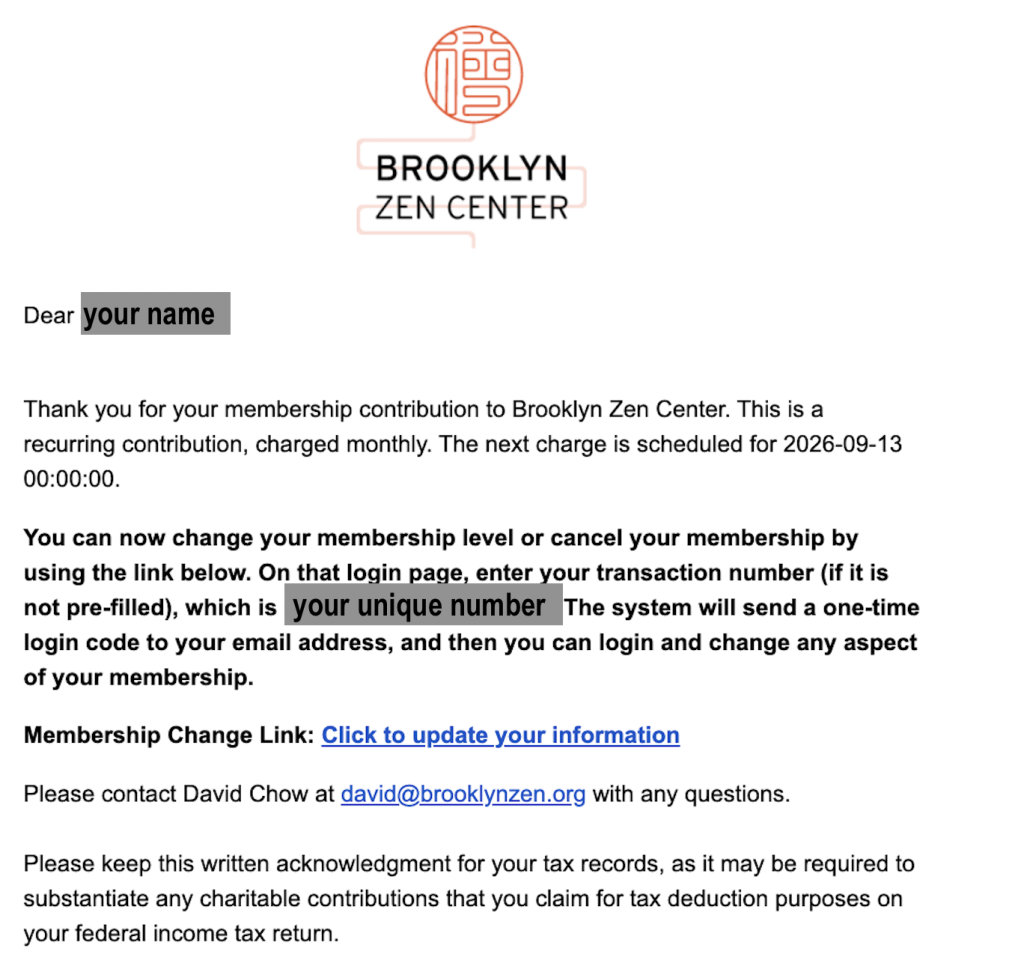
Sample only. Links shown are not clickable.
Step 2: Verify Your Identity
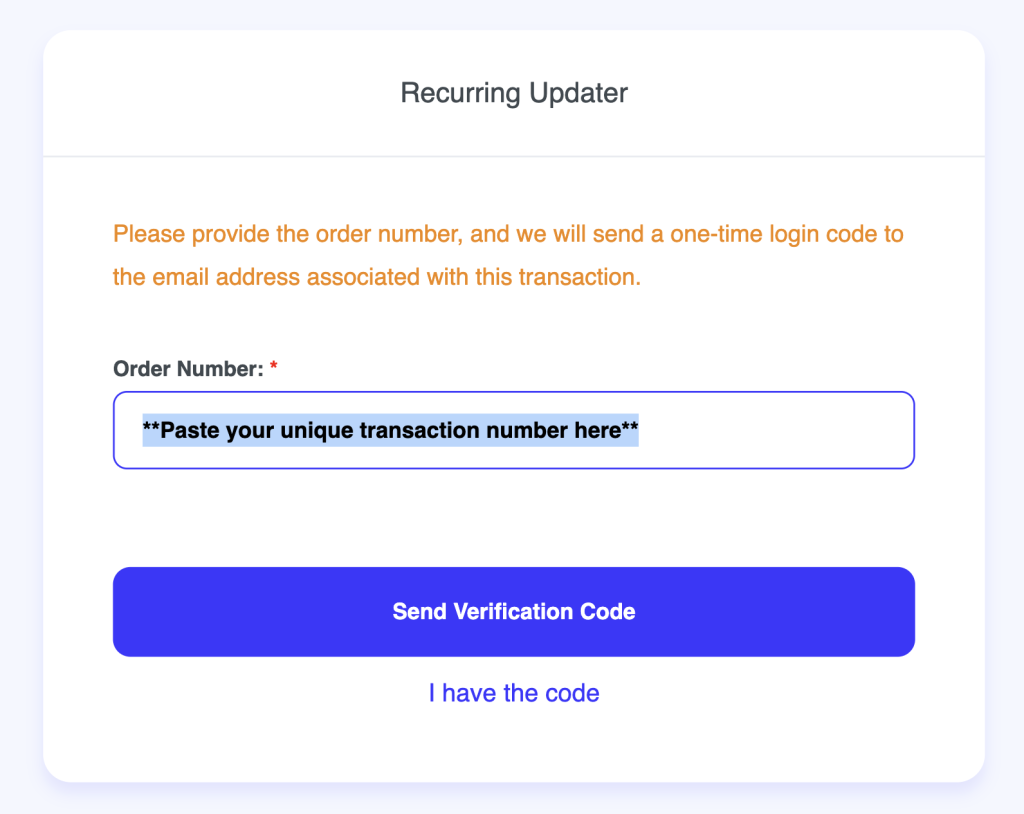
The link opens our “Recurring Updater” page. Enter your transaction number (it may already be filled in) and click “Send Verification Code.” Enter the one-time code emailed to you to log in.
See the sample below:
Step 3: Choose Your New Monthly Amount
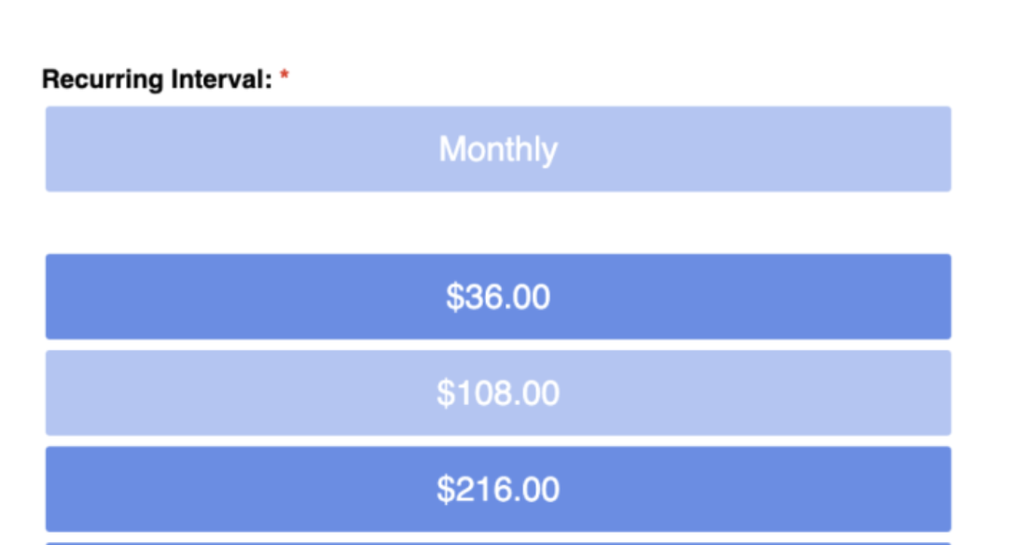
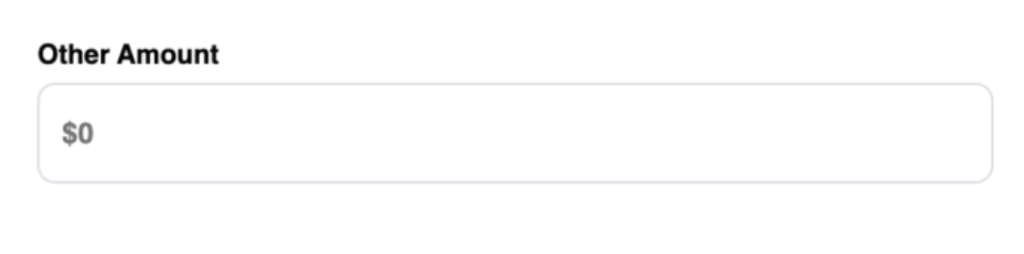
Select one of the listed amounts ($36, $108, or $216), or enter any amount that works for you under Other Amount. These are suggestions, not tiers, and every amount is welcome.
If it’s helpful to reference, some other amounts related to 108 are $9, $18, $72, and $324.
Then follow the prompts to confirm. See the sample below:
Questions?
Email David Chow at david@brooklynzen.org.